


Palm or electrode test
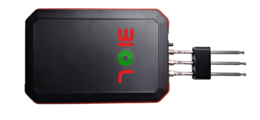
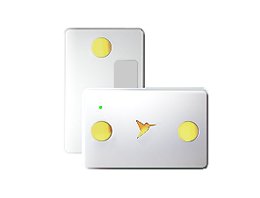
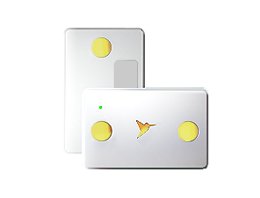
Two silver plates contact the right palm and one the left — or use the accessory cable with ECG electrodes or clips.

A personal health screening system based on heart activity and heart-rate variability.
Kolibri is a non-invasive screening system based on the analysis of heart activity and heart-rate variability. The device pairs with a phone over Bluetooth. Results appear in the mobile app and, in a more complete version, in the user account.

Designed to help prevent potential health risks and to assist doctors with decision-making. Testing is performed with the device held in the palms or with a cable and ECG electrodes or clips.
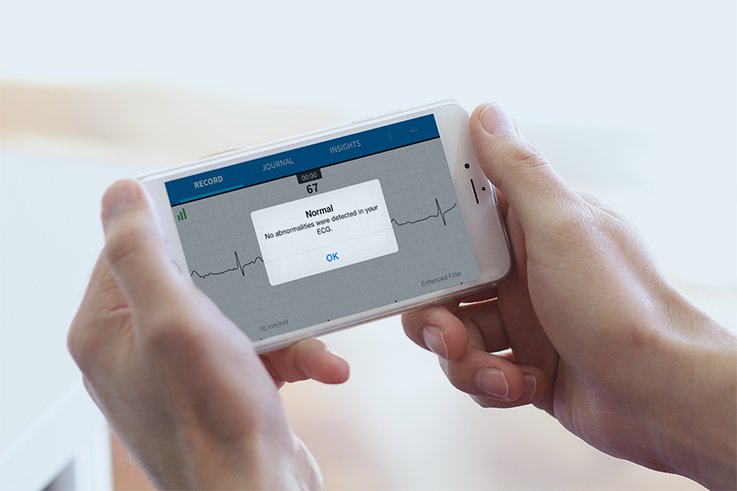
Two silver plates contact the right palm and one the left — or use the accessory cable with ECG electrodes or clips.
The Android app is used to add patients, run the test, and view results after the measurement.
A more complete version of the results is available in the user account. Charts and statistics are available in the desktop version.
Fill in all patient details before testing. Incomplete data affects the result.
A description of each parameter is available in the app under Medical Handbook.
Kolibri records heart activity and heart-rate variability. After the test, results are generated automatically in the mobile app; a more complete version is available in the account. The device switches off after a successful test.
Install the Kolibri application, create an account, and activate the system with the activation code provided.
Switch on Kolibri, open phone Bluetooth settings, and select the device from the list. Later sessions pair automatically.
Add the patient in the app and complete every field. Incomplete details affect the result.
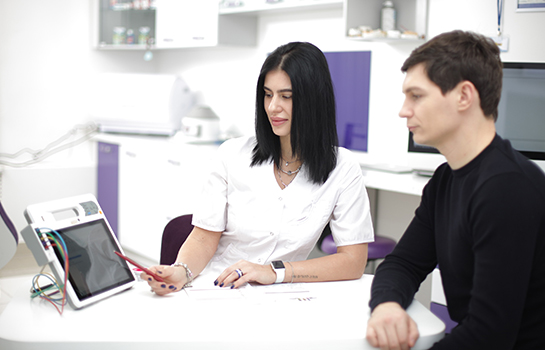
Moisten the palms, hold the plates firmly against the skin, choose Test → Full, and stay relaxed and silent during the measurement.
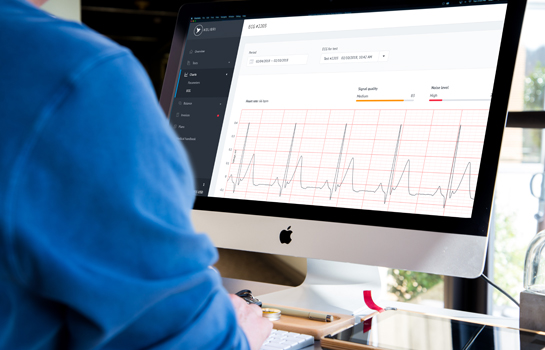
Results appear in the app automatically. A more complete version is available in the account. The device switches off after a successful test.
User manuals, training, and technical documentation are available on request through the form below.