


Musculoskeletal treatment
Used for injuries and chronic conditions of the bone-ligament-articular apparatus.

Shock-wave therapy with ready treatment protocols.
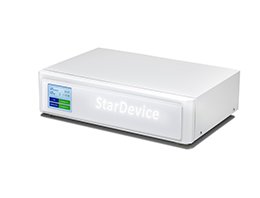
StarDevice is a multi-purpose shock-wave system for physiotherapy, orthopedics, urology, neurology, sports medicine, and rehabilitation. Twenty-eight built-in protocols and nine interchangeable tips let clinicians set up a session in a few touches.
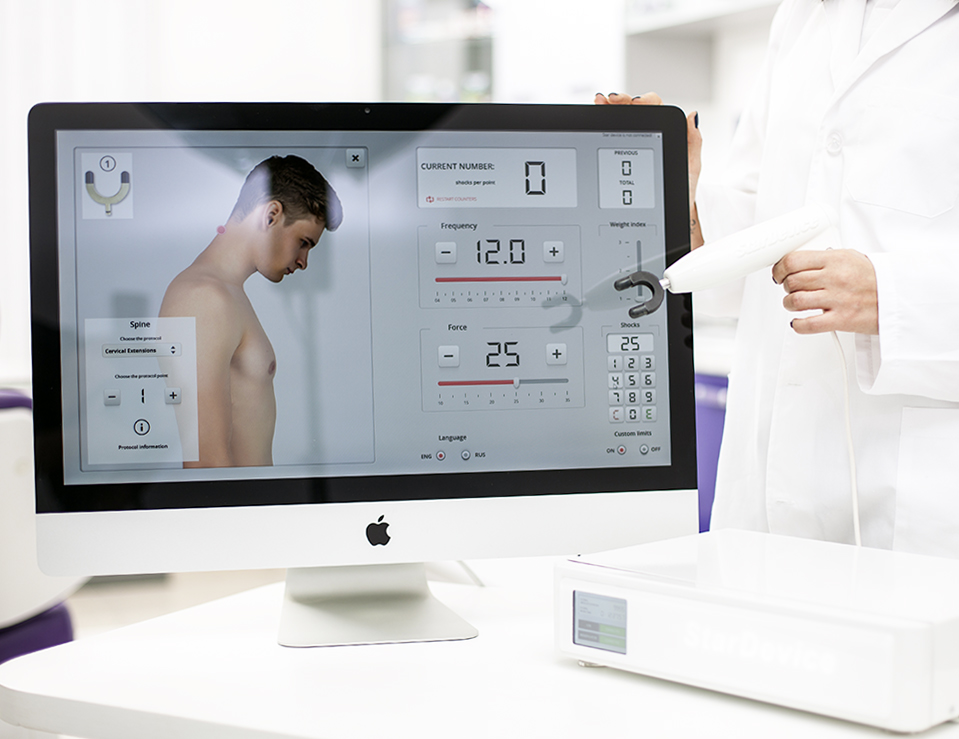
For medical and rehabilitation institutions, fitness clubs, gyms, spas, and private practice. The treatment is non-surgical. A clinician examines the patient, chooses the protocol and tip, and adjusts force, rate, and number of shocks as needed.

Used for injuries and chronic conditions of the bone-ligament-articular apparatus.
Protocols support rehabilitation after selected spinal and cerebral injuries.
Intended to restore mobility and improve the overall state of treated muscles.
Applied to reduce pain in different parts of the musculoskeletal system.
Shock waves are used to improve local blood and lymph flow.
Also used in selected cosmetic indications such as scarring and reduced skin tone.
Applied where dissolution of calcium deposits is part of the treatment goal.
Intended to stimulate metabolism and nerve cells in the treatment area.
An electromagnetic mechanism drives the manipulator core against the applicator tip, sending a mechanical shock wave into soft tissue. The wave is intended to stimulate local blood flow, support vascular restoration, and reduce muscle contractile activity in the treated area.
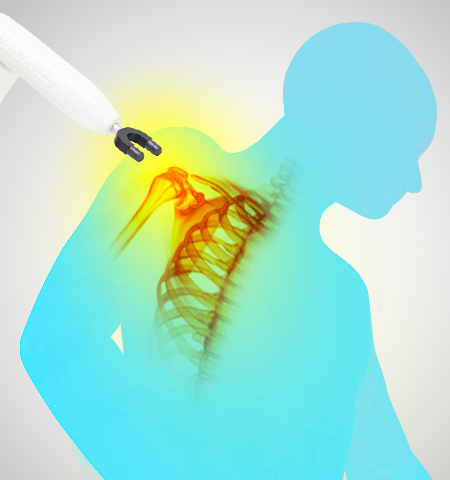
The patient is examined and positioned so the procedure can be carried out safely and effectively.
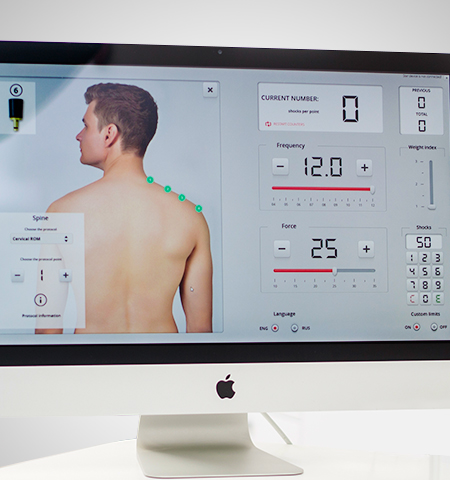
StarDevice is supplied with nine tips. Changing a tip in the manipulator typically takes a few seconds.
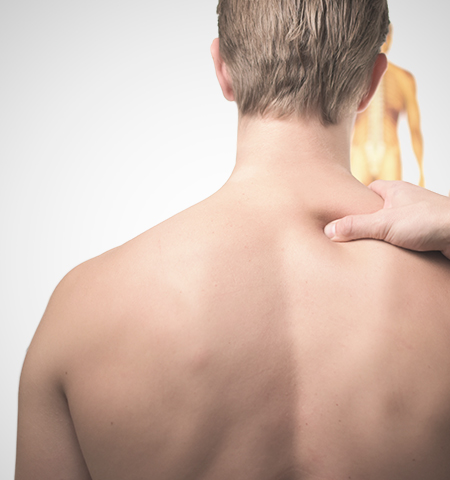
Protocols are grouped by body region. Settings can be left as preset or adjusted by the clinician.
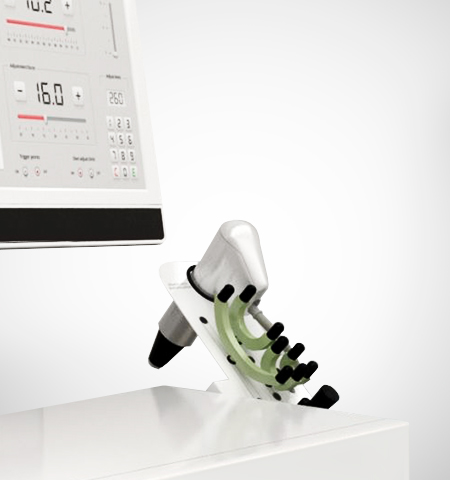
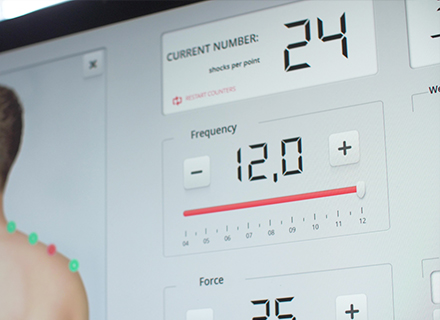
Force of impact, rate of shocks, and number of shocks in the target area can be changed during work.
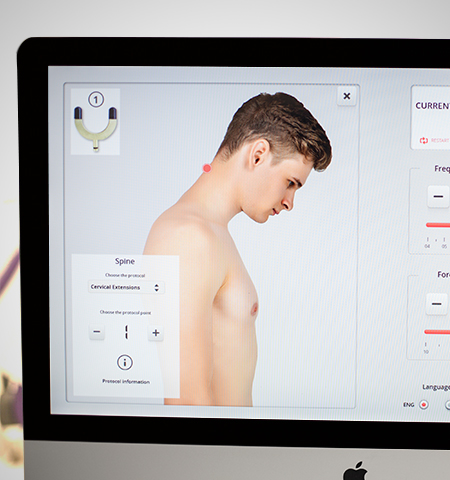
The session is completed according to the protocol. Optional PC software supports documentation and follow-up.
Surgery and orthopedics
Osteoarthrosis of large joints, spinal osteochondrosis, disc herniation (except Schmorl’s nodes), myofascial pain, plantar fasciitis, sports injuries, frozen shoulder, delayed fracture union, persistent pain after arthroplasty, non-infectious synovitis, Osgood–Schlatter disease, tennis and golfer’s elbow, Achilles tendinitis and bursitis.
Neurology
Mobility after stroke, post-traumatic spasm, polyneuropathy, and rehabilitation of spinal and cerebral injuries accompanied by paresis or paralysis.
Urology
Chronic pelvic pain syndrome, Peyronie’s disease, vascular erectile dysfunction, pelvic-floor trigger points, and prostatitis as indicated by the clinician.
Cosmetology
Cellulite, reduced skin tone, stretch marks, and scarring.
Built-in set-ups for head, body, spine, arms, and legs shorten preparation time. Two decades of shock-wave practice informed the default settings.
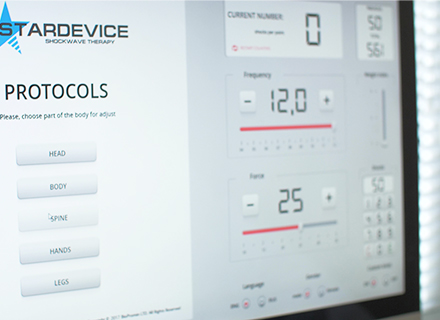
Four tips for classic shock-wave therapy (including trigger-point work) and five for the spine, including paediatric heads.
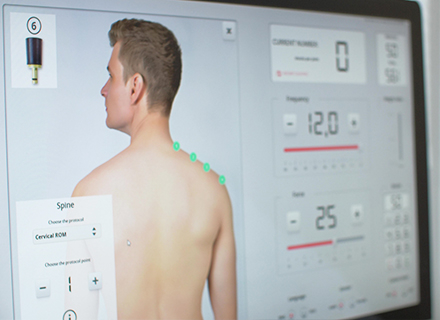
Presets are a starting point. Force, rate, and shock count can be changed to match the case in front of you.
User manuals, training, and technical documentation are available on request through the form below.